· Ahmed Chaabni · DAM · 2 min read
Jahia CMS + Bynder DAM integration module
Connect your Jahia projects with Bynder DAM
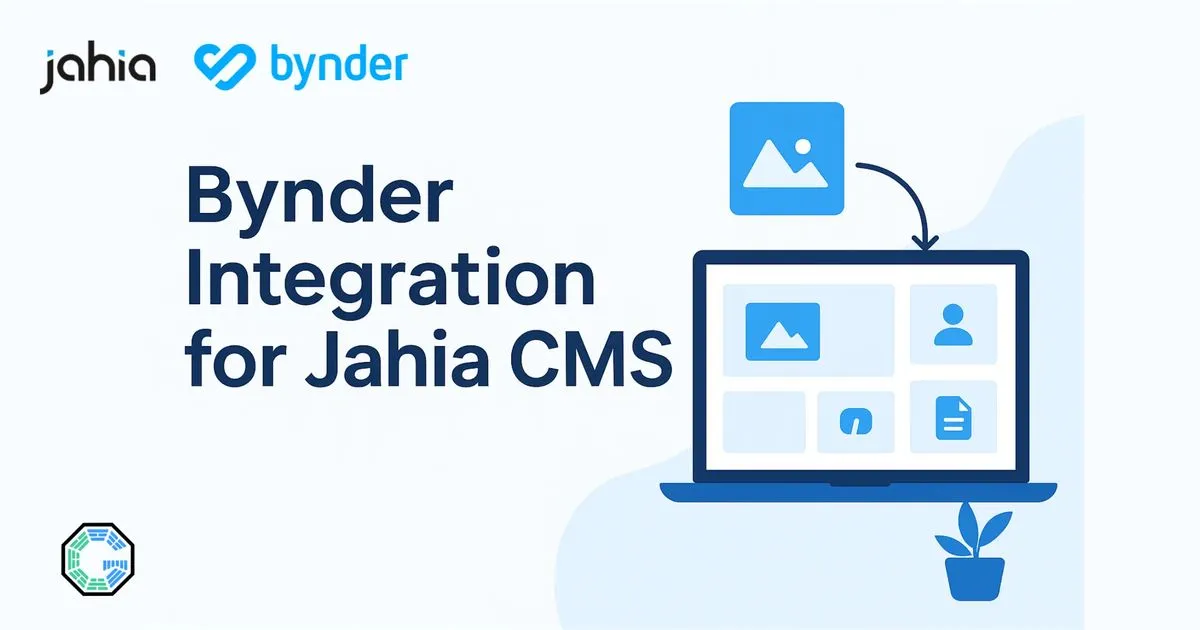
📢 Introducing the Gladtek Bynder Picker Module for Jahia
We’re excited to announce a new addition to the Gladtek ecosystem - a powerful new module that integrates Bynder DAM directly into Jahia through a custom media picker.
This new module empowers editors and developers by simplifying access to your Bynder media assets without leaving the Jahia CMS interface.
Updated version with DAT, multiple selection
Here is the newest version of the module that have access to more Bynder features. Dedicated integration page
Demo Video (Previous Version without DAT)
Below you can see a Demo using Wave Bynder Samples assets.
🚀 What’s New?
- 🔗 Seamless Integration: Connects Jahia with Bynder via a custom picker module.
- 🖼️ Easy Media Selection: Editors can browse and select assets directly from their Bynder library.
- ⚙️ Configurable & Secure: Built with flexibility and security in mind.
- 🧩 Plug-and-Play: Simple to install and configure in any Jahia project 8.1 and 8.2.
🔍 Why This Matters
Managing digital assets across platforms can be a hassle. With our new module:
- Teams save time by accessing approved assets instantly.
- Consistency is maintained across all digital content.
- The content creation workflow becomes smoother and more efficient.
- Add external assets (Videos, Pictures, Audios) and use them across multiple websites
- Use the DAM performance and enhancements for Pictures and Videos in order to visit easily
📘 Learn More about Bynder
🚀 Introducing Bynder’s new DAM Homepage! A dynamic, customizable experience to:
— Bynder (@bynder) June 27, 2025
🔹 Boost DAM ROI with higher user adoption
🔹 Reflect your brand & content
🔹 Guide users to key assets faster
See what modern DAM looks like: https://t.co/2OkEkMCJjy pic.twitter.com/A0QtLxpS8a
More enhancements with DAT
Bynder’s Dynamic Asset Transformation (DAT) is a feature within its Digital Asset Management (DAM) platform that automates real‑time adaptation of images and videos to meet different channel and device requirements-such as resizing, cropping, optimizing, and removing backgrounds-without manual effort. By eliminating the need to pre‑generate and store multiple versions, DAT significantly speeds up time‑to‑market, improves website load times and SEO, reduces developer and design workload, ensures consistent branding, and scales efficiently as content needs grow.
Here is a sample implementation that showcase how the picture behave and render when DAT on the fly being applied.
Want to collaborate with us ?
Interested in a demo or want to learn more? Reach out to us or request a personalized walkthrough with your own environment.
Made with ❤️ by the Gladtek Team.