· Ahmed Chaabni · Jahia · 4 min read
Jahia Provisioning Commands
Jahia provisioning commands are your way to customize your demos, updates, configuration.

- 1What Can Provisioning Do?
- 2How to Run Provisioning
- 3Examples of provisioning commands
- 4Execute some Karaf commands
- 5Execute a groovy or graphql scripts
- 6Install some bundles
- 7Uninstall a bundle
- 8Importing websites and/or users
- 9Installing a configuration
- 10Enabling a module in a site or multiple sites
- 11Editing an already existing configuration
- 12Include YAML configuration
- 13More
- 14Wrapping Up
We worked side by side with other external Jahia consultants and what we saw is that some of them do not update their knowledge about Jahia features, some are still not knowing how to handle jahia provisioning commands, some others did not even start to touch a React code.
In this blog post we are giving you some examples of Jahia provisioning commands to showcase how easy you can manage them to automate your Jahia environments, you can also check them here from the official Jahia documentation Provisioning commands
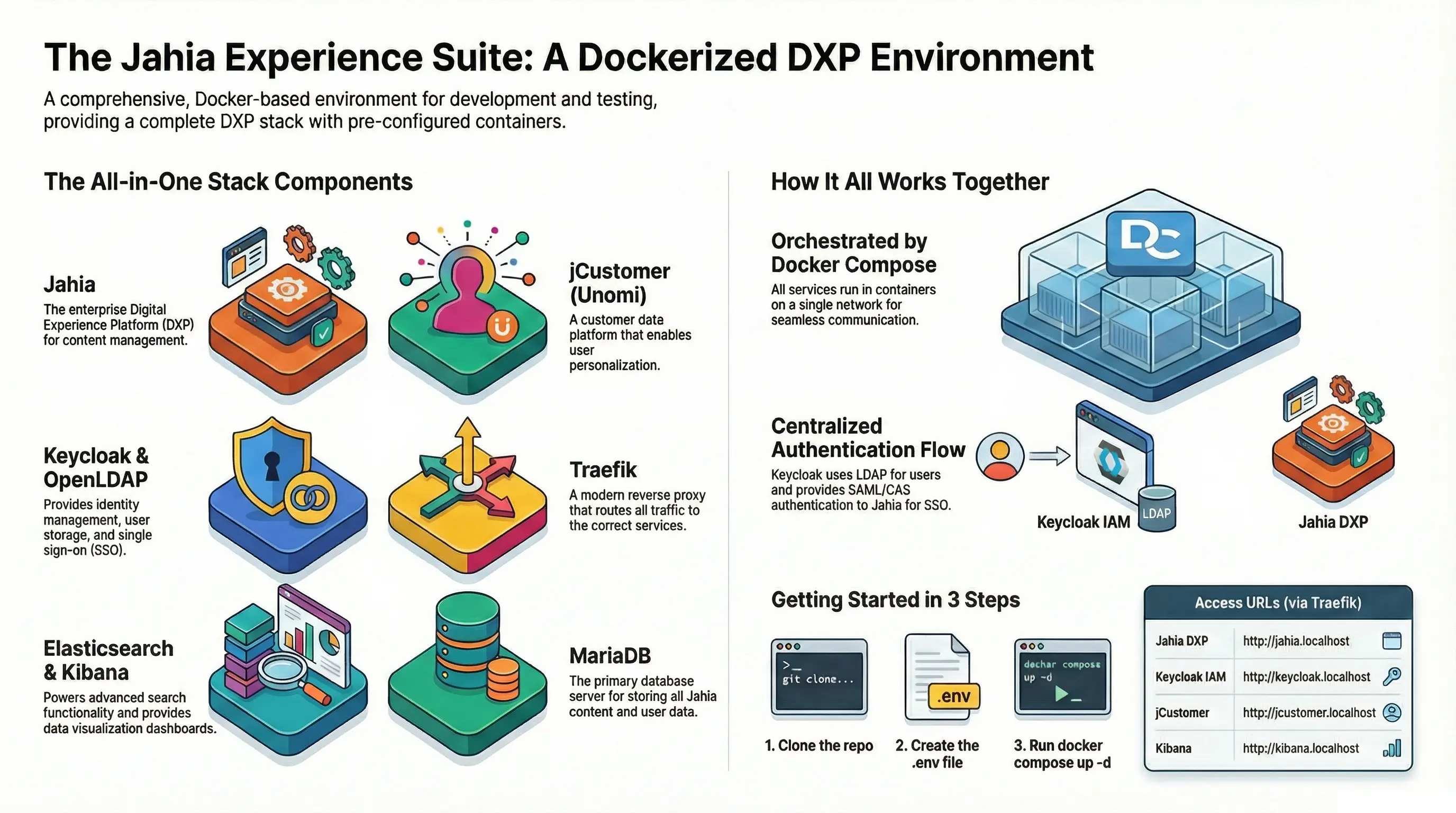
With the help of Jahia provisioning commands we were able to create our own docker image that shows our TENET showcase TENET Docker Image
What Can Provisioning Do?
Provisioning commands cover most of the recurring tasks you’d otherwise need to do manually, such as:
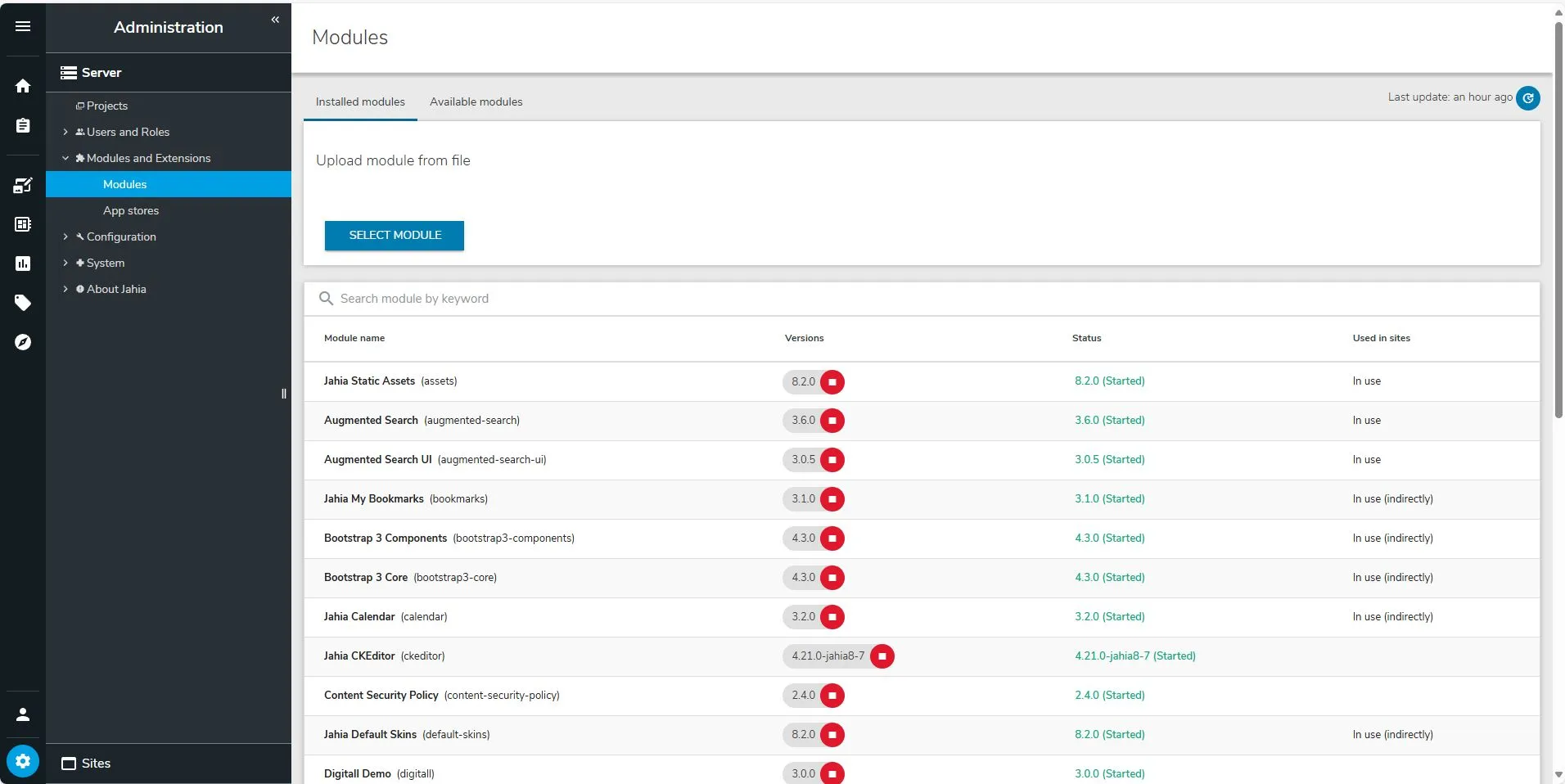
- Installing or removing modules
- Starting and stopping modules
- Updating system properties and configuration files
- Executing Scripts
- Applying site-level configurations
Instead of logging in to the server or the Jahia UI, you declare what you want, and Jahia applies it for you.
How to Run Provisioning
Provisioning files can be:
- Placed in
/digital-factory-data/provisioningto run at startup - Sent manually through the Provisioning API by using the endpoint
${ServerEndpoint}/modules/api/provisioning - Used in
/digital-factory-data/patchesto apply updates
Examples of provisioning commands
Below you can find some examples of provisioning commands from a YAML file:
Execute some Karaf commands
# List all Bundles- karafCommand: "bundle:list"# Add a line of log to the current provisioning- karafCommand: "log:log 'Provisioning DEMO'"Execute a groovy or graphql scripts
# Execute a groovy file- executeScript: "https://www.domain.com/sample/sample-case.groovy"- executeScript: "file:/path/sample-case.groovy"

# Execute a graphql file (usually a mutation)- executeScript: "https://www.domain.com/sample/mutation-case.graphql"- executeScript: "file:/path/activateLegacyPageComposer.graphql"
Example of a GraphQl mutation
mutation { admin { jahia { configuration(pid:"org.jahia.modules.jcontent") { pcHide: value(name:"hideLegacyPageComposer", value:"false") pbShow: value(name:"showPageBuilder", value:"true") } } }}Install some bundles
# Install and start a list of bundles from both Jahia repositories# or from a local path- installBundle: - 'mvn:org.jahia.modules/bookmarks' #latest - 'mvn:org.jahia.modules/calendar/RELEASE' #release - 'mvn:org.jahia.modules/rating/3.0.0' #exact version 3.0.0 - 'file:/tenet/tenet-0.1.0.jar' - 'file:/tenet/gladtek-umami-1.0.0.jar' autoStart: true uninstallPreviousVersion: trueUninstall a bundle
- uninstallBundle: "article/3.0.0"Importing websites and/or users
# Import digitall users list from a zip- import: "jar:mvn:org.jahia.modules/digitall/3.0.0/zip/import!/users.zip"# Import digitall website- importSite: "jar:mvn:org.jahia.modules/digitall/3.0.0/zip/import!/Digitall.zip"# Import the TENET website from a local path.- importSite: "file:/tenet/tenet.zip"Installing a configuration
- installConfiguration: "file:/path/org.jahia.services.usermanager.ldap-config.gladtek.cfg"Enabling a module in a site or multiple sites
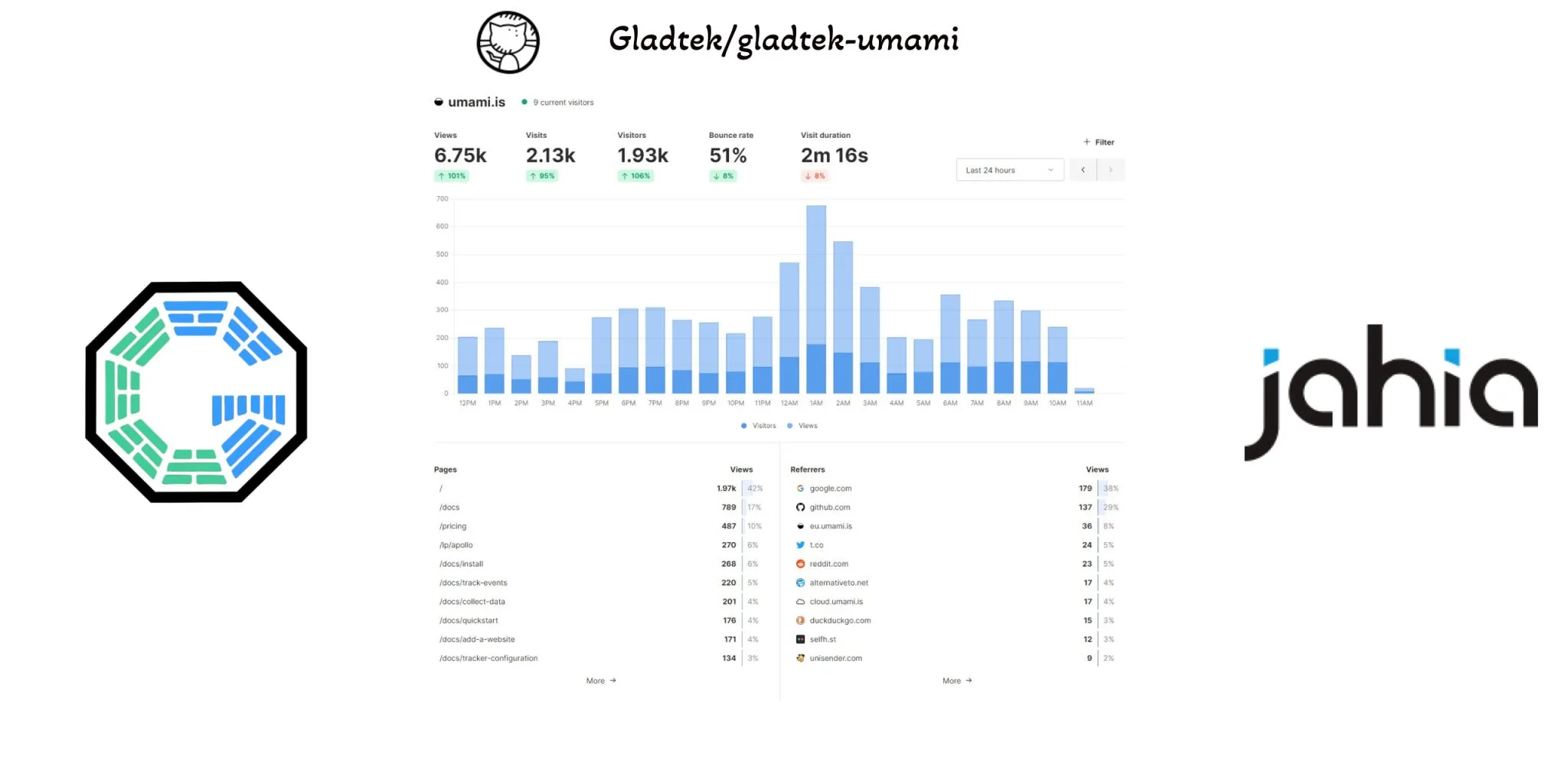
# Enable Gladtek Umami module on the TENET site for the Umami analytics.- enable: "gladtek-umami"  site: "tenet"
# Enable Gladtek Umami module on the two different sites- enable: "gladtek-umami"  site: ["digitall", "luxe"]
Editing an already existing configuration
# Configure Kibana Dashboards Provider- editConfiguration: "org.jahia.modules.kibana_dashboards_provider" properties: kibana_dashboards_provider.kibanaURL: "https://kibanaserverpath:5601" kibana_dashboards_provider.kibanaPassword: "passwordExample"Include YAML configuration
# Include Yaml files content in the existing one- include: "file:/path/feature-1.yaml"- include: "file:/path/feature-2.yaml"- include: "file:/path/feature-3.yaml"This can be used when you have an environment needing Feature1 and Feature2 while another needing Feature1, Feature2 and Feature3. So you divide your provisioning into multiple YAML files
More
With Provisioning you can make plenty of usecases and it is more useful when you want to create Docker containers with different sets of configurations. We will make a blog post about different Docker Compose combinations in the near future. For further reading check :
| Sample | Description |
|---|---|
| 00-jahia-tenet-mariadb | Jahia 8.2 with Maria DB and a TENET sample Website |
| 01-jahia-mariadb-digitall | Jahia 8.2 with Maria DB and Digitall |
| 02-jahia-mariadb-digitall-local-provisioning-files | the previous but with local provisioning files instead of online (with custom module installation) |
| 03-jahia-mariadb-digitall-override-folder | Example on how to override patches provisioning folder by a local folder localMount |
| 04-jahia-mariadb-luxe | This will create an environment with a website based on an NPM module |
| 05-jahia-mariadb-empty | This will create a Jahia 8.2 environment with no website |
| 06-jahia-mariadb-luxe-activate-pageComposer | Like 04-jahia-mariadb-luxe but with the option to have Page Composer activated also |
Wrapping Up
Jahia provisioning commands turn manual administration into repeatable automation. Whether you’re bootstrapping a new project or maintaining a cluster, they give you a reliable way to keep environments consistent and reduce human error.
If you’re starting fresh with Jahia, provisioning is one of the best practices to adopt early. It will save you headaches later and give you confidence that your environments are always set up exactly the way you want.
At Gladtek and for our clients we used it mostly to prepare a demo package, to create a custom Docker image and to maintain environments bundles automatically instead of doing it manually where we can lose track between what we installed in dev, staging, preproduction, production environments.
Picture of this blog post provided by StorySet
Posted by GladTek